
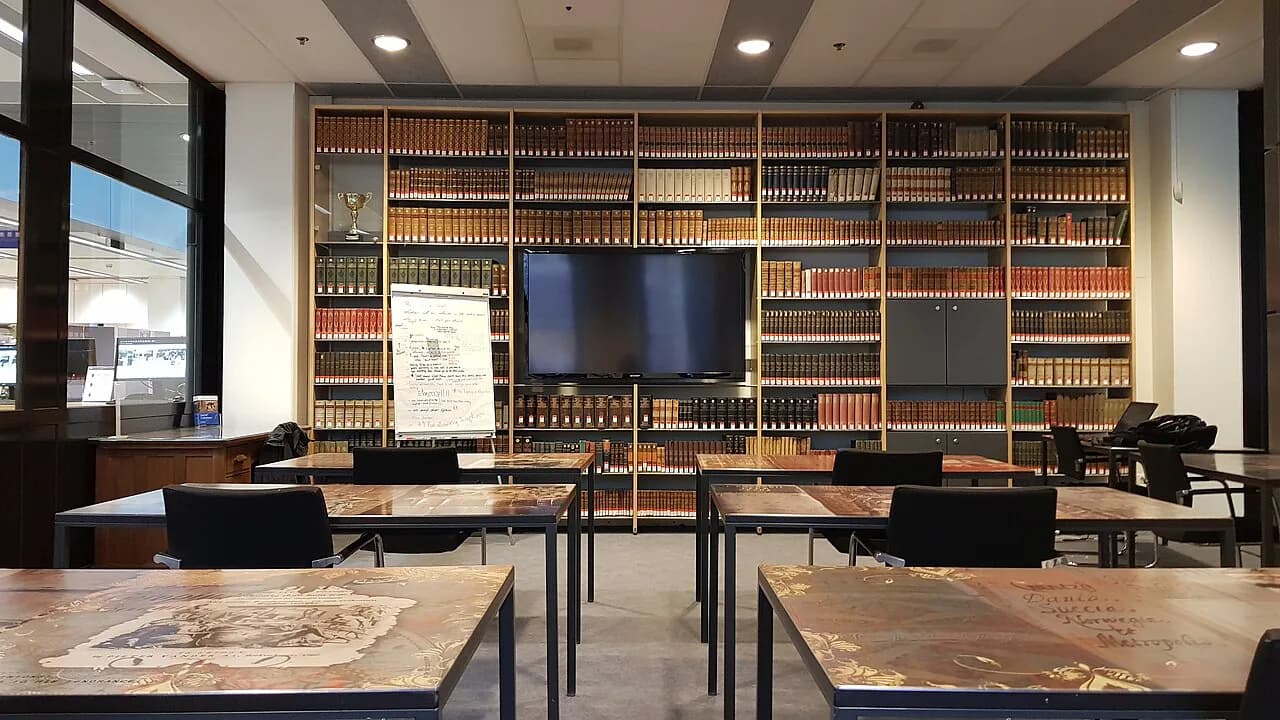
Maastricht University Library: what a visitor can use

Treat Maastricht University Library as a short practical errand rather than a sight. It is the university's own library service, and the facilities page describes printing, copying and scanning in all its library locations and learning spaces, which is the one thing a short-break visitor can realistically turn to.
This guide covers how the print service works, how to reach a library specialist with a question before you travel, and what to pair with a library stop. Opening hours, access rules and prices for visitors are not set out here, so confirm them with the library before you build a day around it.
What Maastricht University Library is and who it serves
Maastricht University Library exists to serve students, teaching staff and researchers of Maastricht University, and its published facilities are framed around those groups. The print, copy and scan setup is managed by the university's ICT Service Centre (ICTS) and supplied by Canon, which tells you the service is run as campus infrastructure rather than as a tourist amenity.
For a leisure traveller that means the library is not a museum with a ticket desk and a highlights route. There is no sight to tick off inside; the realistic use is a quiet stop to print a boarding pass, scan a document or copy a page while you are in the city.
.jpg)
Where the library locations sit in Maastricht
The library service runs across multiple library locations and learning spaces rather than from one address, and it publishes its visit pages building by building. If you are on a short break, work out which location is nearest your route rather than assuming a single central address, and treat a second site as a separate trip.
Because the sites serve different parts of the university, do not assume that a service set up in one is set up the same way at another. Check the library's own visit pages for the address, entrance and access arrangements of the specific building you intend to use.
Printing, copying and scanning across the sites
The print, copy and scan service is the most concrete thing the library publishes for anyone walking in, and it is available across its locations and learning spaces. The multi-function printers handle both colour and black-and-white output, so a straightforward document scan or a colour copy is within what the equipment is described as doing.
The same machines are described as usable with mobile devices, which suits a traveller who is carrying a phone and a booking confirmation rather than a laptop. Do not read that as a promise that any visitor can print without an account; it tells you the hardware supports mobile use, not who is entitled to send a job to it.
Using the printers: colour or black and white, mobile devices
In practice, decide what you need before you go in: a single black-and-white page, a colour copy, or a scan sent to yourself. The library points readers to its Printing@UM information and manuals for the operational detail, which is where the account, payment and sending instructions sit.
If your trip depends on printing something essential, such as a timed ticket or a travel document, do not leave it to the last hour of your stay. Send the job from your phone at the machine, keep the original file, and have a digital copy you can show on screen if the print route turns out to be closed to you.
Asking a library specialist a question before you travel
The library runs an Ask Your Librarian contact route through a web form, where you choose which group you belong to, give an email address and describe your question. That is the right channel for a specific query about whether you can use a facility on a given day, because it reaches a library specialist rather than a general city information desk.
Use the form narrowly. Ask about the particular building, the particular service and the date you have in mind, so the answer is usable; broad questions about the city belong with the city's own visitor services instead.
Study places and rooms: what the facilities cover
The library's facilities pages group study places and room reservation alongside printing and accessible facilities, so those services are part of how the buildings are organised. What the pages do not set out is capacity, booking rules or whether someone without a university account can reserve anything.
Do not turn up expecting a reservable desk as a matter of course. If a quiet hour of work is the reason for your stop, raise it through the contact form before you travel and let the answer decide whether the library fits into your day.
The collections and digital material
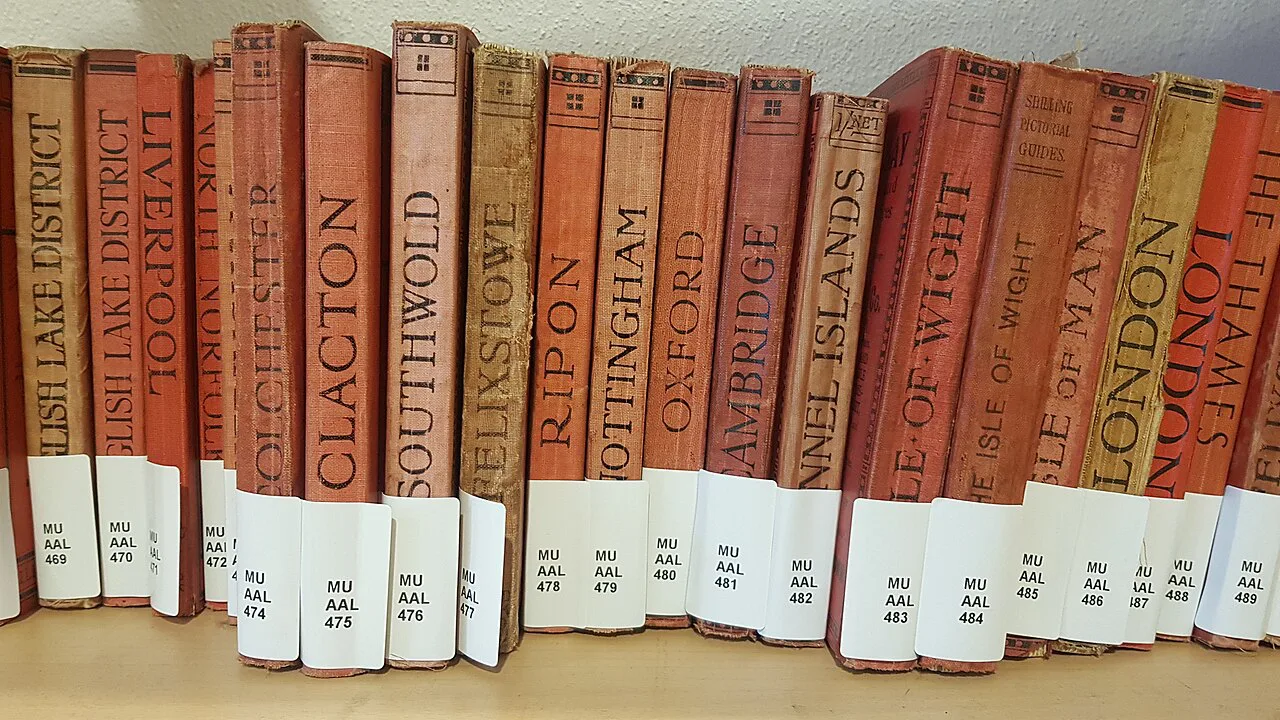
Maastricht University Library also holds special collections built around monastic libraries, with books largely gathered by Jesuits in the nineteenth and twentieth centuries, and it presents parts of this material through digital collections. That is research and heritage material rather than a visitor display with opening times, so it is worth a browse from home rather than a detour on foot.
The digital side is genuinely useful for a wet hour in a café: the library publishes news and collection stories online, which you can read without entering a building. If your interest is the city's history on the ground rather than on a screen, spend that hour elsewhere and use the library only for the practical services it advertises.

What to pair with a library stop
A library errand fits best into a city-centre morning, with the rest of the day left for the sights around the Markt and the Vrijthof. The two squares are the natural anchors of a Maastricht walk, and both the Maastricht City Hall (Stadhuis) on the Markt and Vrijthof, Maastricht are close enough to combine with an indoor stop.
The Markt itself is the city's main square and an easy reference point, and the Onze-Lieve-Vrouweplein quarter gives you a quieter, older-feeling alternative if the centre is busy. For a fuller plan of the city across one to four days, work from Maastricht Attractions: 12 Visitor Guides and slot the library in as a fixed practical stop rather than a sight.
If you want a half-day that mixes an interior with the city's older fabric, the Basilica of Our Lady, Maastricht and the Basilica of Saint Servatius sit in the same central area and reward a slow look. For art, the Bonnefanten museum gives you an indoor option if the weather turns, and it pairs naturally with the squares rather than with a print run.
What the library is not for a leisure visitor
Be clear about the trade-off before you spend part of a short break here. This is an academic workplace, so a visitor's experience is limited to what the published facilities allow, and a city with the Vrijthof, the Basilica of Saint Servatius and the Bonnefanten museum on its map offers far stronger use of three hours.
If you have come for the underground passages and limestone quarries that draw many visitors to the city, those are a different outing entirely, and Maastricht Caves and Sint-Pietersberg need their own slot on the itinerary. Fort Sint Pieter is the other half of that same southern excursion, so group them rather than mixing them with a printing errand.
Should the library be on your Maastricht list?
Put the library on your list only if you need a print, copy or scan while you are in the city, or if you have a specific question worth putting to a library specialist through the contact form. It is a working academic service, and the honest answer for most short-break travellers is that Maastricht's squares, basilicas and museums deserve the hours instead.
If you do go, keep the stop short, pair it with Markt and Vrijthof, and leave the rest of the day for the city around them.
Explore more Maastricht guides
Frequently Asked Questions
Can anyone use the printers at Maastricht University Library?
The library describes multi-function printers that print in colour or black and white and can be used with mobile devices, available across its locations and learning spaces. One reading desk at the library runs a web form contact route for questions on access and services, which asks you to state your line of study or employment.
Does the library have a single building I can visit?
No. The service is spread across multiple library locations and learning spaces, so check the visit pages for the address and entrance of the building you intend to use.
Is Maastricht University Library worth time on a short break?
It is an academic library, not a museum, and its published facilities are aimed at students and researchers. Include it when you need a practical print, copy or scan, and spend the rest of a one- to four-day trip on the city itself.